

./why-watchmen
Open source. Self-hosted. Yours.
> Hi Developer, DevOps, or your company's Security dude. My name is Pavel and I really wanted to create an affordable, open source, and fun tool that will allow you to understand your clouds' risks without paying for multiple tools that cost an arm and a leg. And that's why I built Watchmen
./capabilities
- >Watchmen is self-hosted by default. Own your cloud and your credentials.
- >Navigate the UI terminal style, like you are used to, not the way you are being forced by inadequate modern UI paradigms
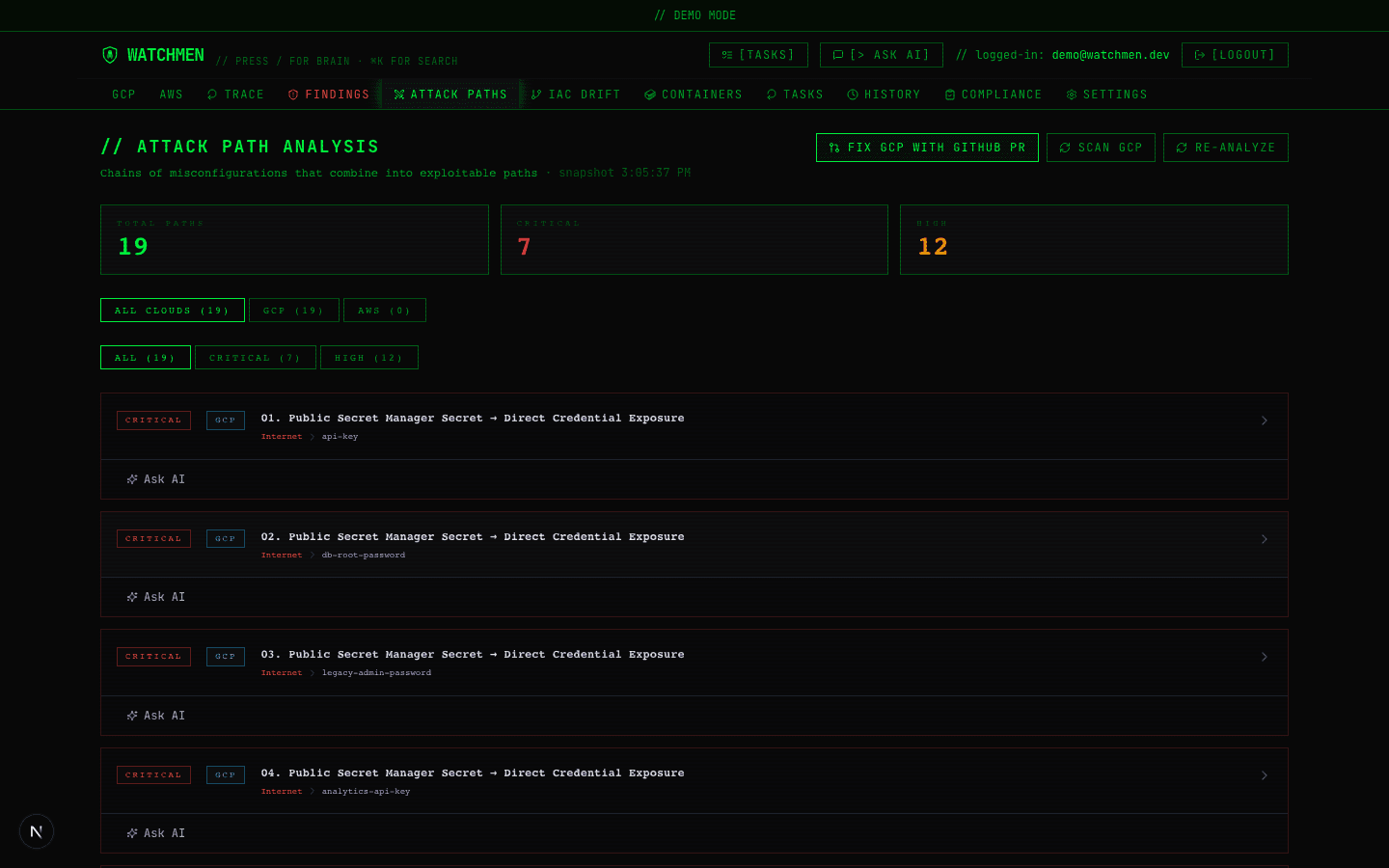
- >Discover all your cloud inventory and the possible vulnerabilities and attack vectors
- >Navigate through your company's compliance process using Watchmen's compliance features
- >Bring your own AI key to go deeper in your cloud understanding using Claude, Gemini, or GPT.
One console. Everything your stack needs.
Watchmen replaces the spreadsheet-and-tribal-knowledge approach to cloud security with a single open-source tool.
Multi-cloud scanning
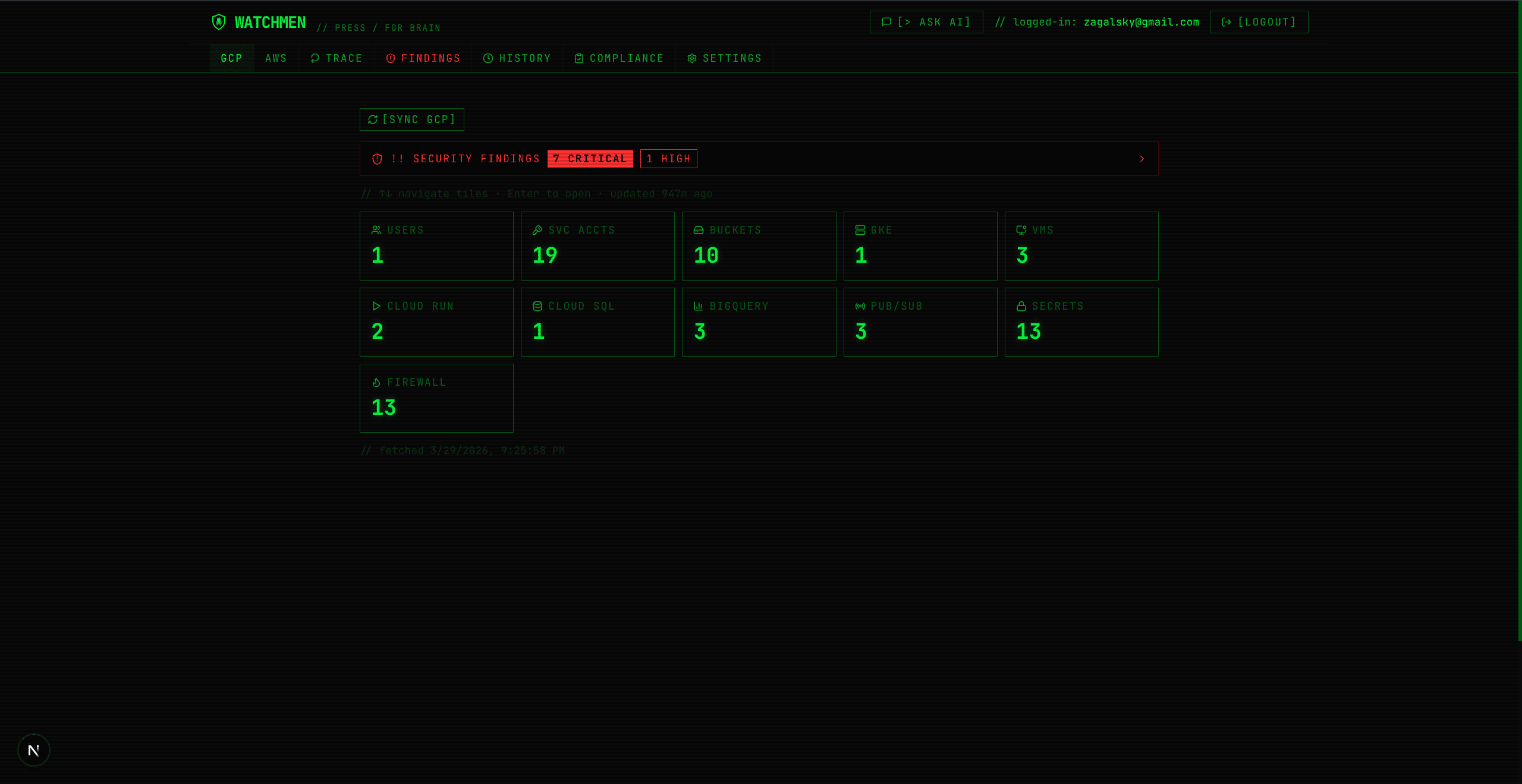
IAM, storage, compute, networking, databases, and more across AWS and GCP, in one dashboard.
Findings, ranked by risk
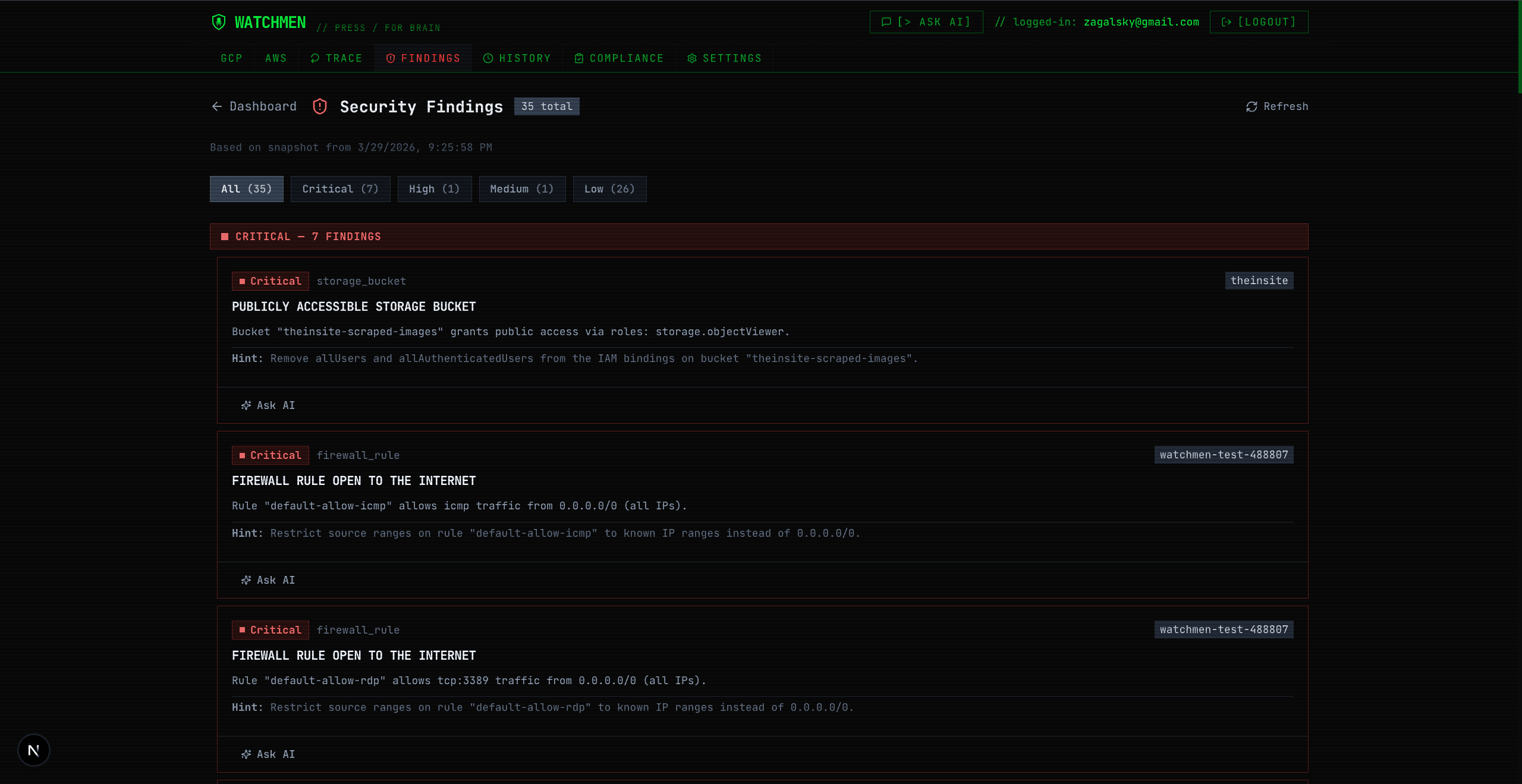
Misconfigurations surfaced by severity, each with an AI-generated remediation guide you can actually act on.
Compliance, out of the box
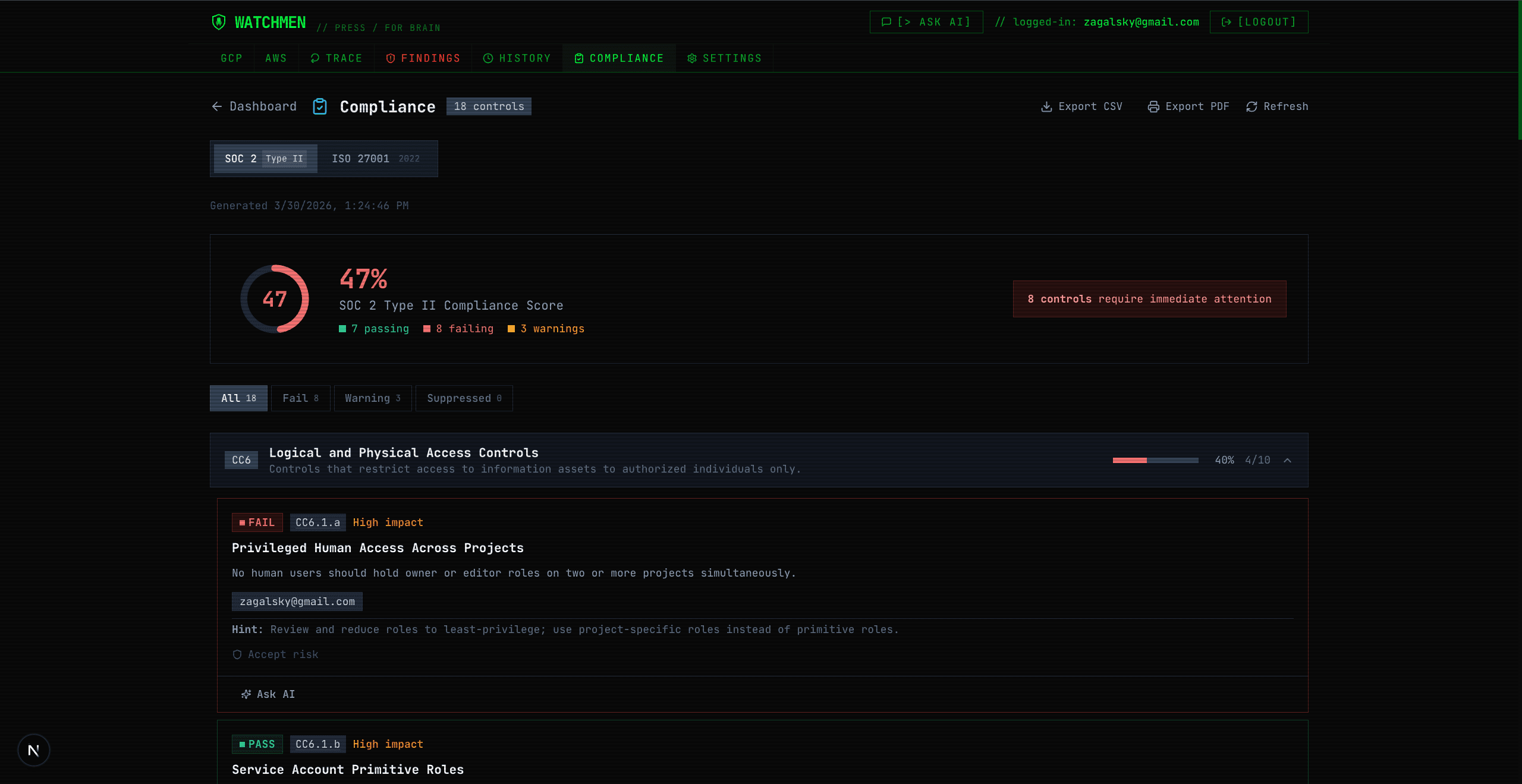
SOC 2 Type II and ISO 27001:2022 control coverage with score trending, useful the day an enterprise customer asks for it.
Ask your infrastructure questions
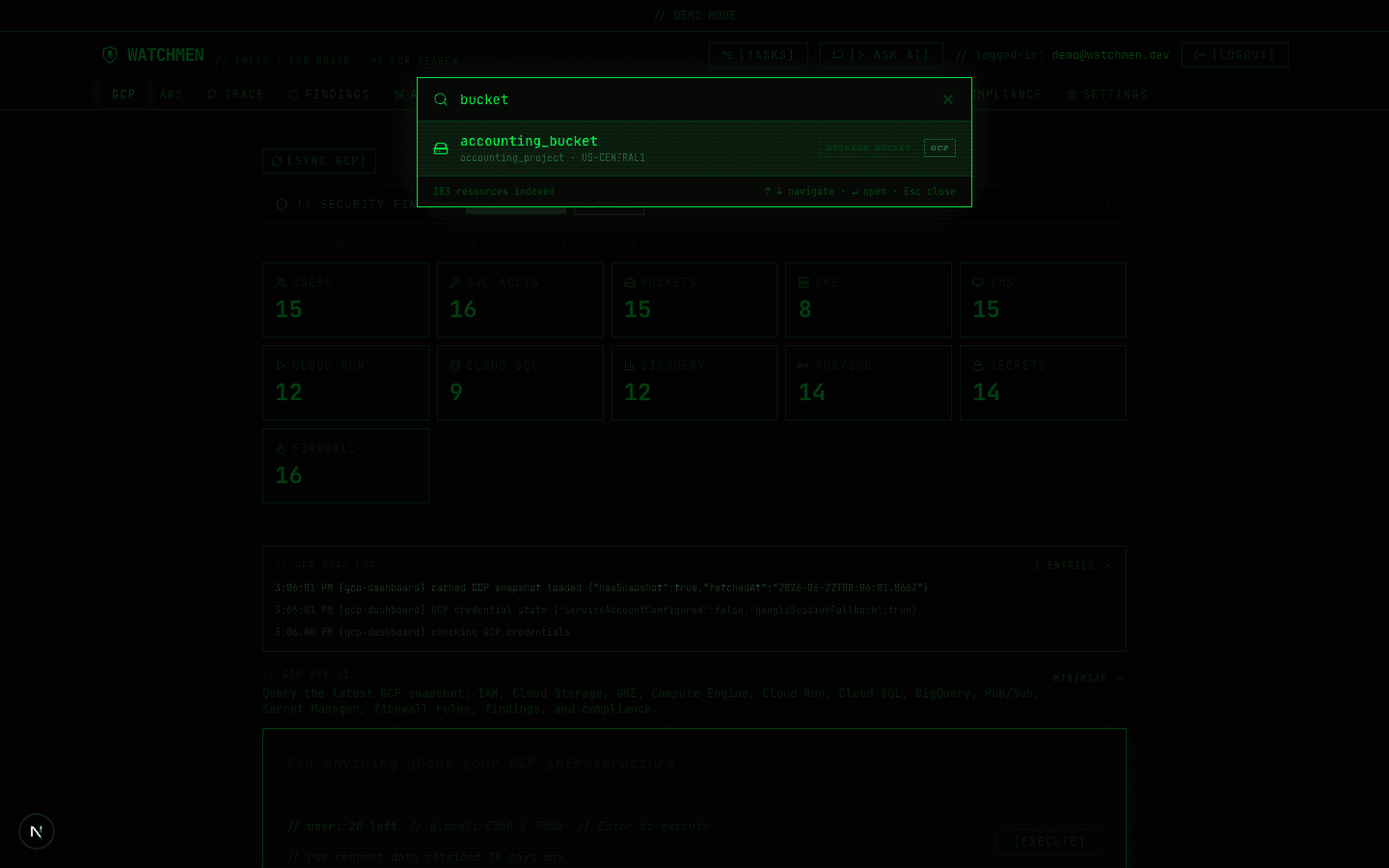
Press “/” and ask in plain English. Powered by Claude, Gemini, or GPT-4o using your own API key.
Live request tracing
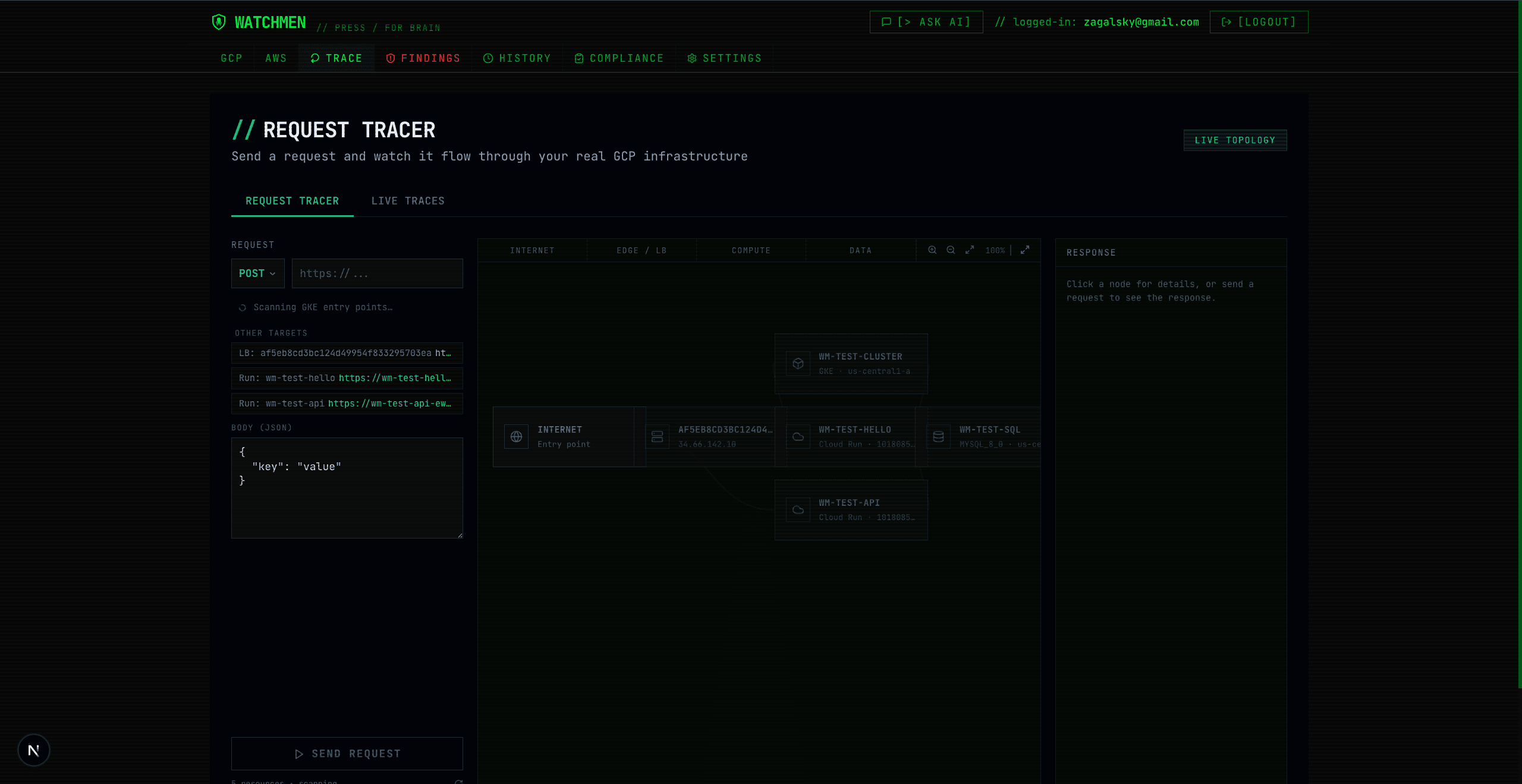
Watch real Kubernetes traffic move through your services on an animated topology graph.
Your cloud, your keys
Self-hosted. Credentials are encrypted per-user in your own database. Nothing routes through a third party.
How it works
Connect your cloud
Add read-only AWS or GCP credentials in Settings. They're encrypted and scoped to your account, never shared across deployments.
Watchmen scans
IAM, storage, compute, network, and managed services are checked against security and compliance rules in minutes.
Get answers, not just alerts
Ranked findings, a live compliance score, and a chat box that already knows your infrastructure.
What you'll actually see
Click any screenshot to maximize it.
Self-host Watchmen
Run it locally, in Docker, or on Kubernetes. Keep app auth, cloud credentials, AI keys, and scan history inside infrastructure you own.
Node.js 20+
Runtime for local installs
Postgres
Snapshots, history, and encrypted keys
AUTH_SECRET
Generate with openssl rand -base64 32
Reader cloud credentials
Optional for mock mode, required for real scans
Choose your first run
Use fixture data with one-click demo sign-in. No cloud credentials or OAuth setup required.
DEMO_MODE=trueUSE_MOCK_DATA=truenpm run dev$ git clone git@github.com:pavelzag/watchmen.git$ cd watchmen$ npm install$ cp .env.local.example .env.local# set DEMO_MODE=true and USE_MOCK_DATA=true to see demo data# Generate with: openssl rand -base64 32$ AUTH_SECRET=your_random_secret_here# Required for localhost, Docker, proxies, or custom hostnames$ AUTH_TRUST_HOST=true$ npm run dev> ready: sign in with Enter DemoFind out what's actually exposed.
Five minutes to clone, install, and see your first findings.
Postgres required
Watchmen needs a Postgres database. You can deploy one yourself or connect to an existing cloud Postgres instance by setting POSTGRES_URL.
Self-host Postgres
Run your own database locally or on any server, then point Watchmen at it.
docker run --name watchmen-postgres -e POSTGRES_USER=watchmen -e POSTGRES_PASSWORD=watchmen -e POSTGRES_DB=watchmen -p 5432:5432 -d postgres:16POSTGRES_URL=postgresql://watchmen:watchmen@localhost:5432/watchmenUse an existing cloud DB
Create or reuse Postgres from Neon, Supabase, RDS, Cloud SQL, or any managed provider.
POSTGRES_URL=postgresql://USER:PASSWORD@HOST:5432/DB_NAME?sslmode=requireAdd that value to .env.local, your Docker env file, or your Kubernetes secret.Environment variables
Watchmen now supports local sign-in by default, optional Google or GitHub app sign-in, per-user AWS/GCP credentials, and legacy server-side GCP credentials for deployments that still need them.
Core runtime
Required for real local, Docker, and hosted runs. Run the database migration once before the first non-demo start.
AUTH_SECRETrequiredAUTH_TRUST_HOST=truerequiredPOSTGRES_URLrequiredLocal sign-in
Enabled by default for self-hosted installs. Set a password if the app is reachable by other people.
WATCHMEN_LOCAL_AUTH=truedefaultWATCHMEN_LOCAL_EMAIL=local@watchmen.devdefaultWATCHMEN_LOCAL_PASSWORD=optionalOAuth and access control
Optional app sign-in providers. Google OAuth is app identity; cloud scanning credentials are added separately in Settings.
GOOGLE_CLIENT_ID / GOOGLE_CLIENT_SECREToptionalGITHUB_CLIENT_ID / GITHUB_CLIENT_SECREToptionalALLOWED_EMAILS or ALLOWED_DOMAINoptionalCloud scanning
Server env GCP credentials are still supported, but the current flow is per-user cloud credentials in Settings.
USE_MOCK_DATA=falsereal scanGCP_PROJECTS or GCP_ORG_IDserver envGCP_SERVICE_ACCOUNT_KEYserver envReader cloud accounts
Create dedicated read-only credentials, then add them in Settings -> Cloud Credentials. AWS credentials are per-user; no server-level AWS_* env vars are needed.
GCP reader service account
DOWNLOAD TFCreates a Watchmen scanner service account, enables the scanned APIs, grants read/security-review roles, and outputs a service account JSON key.
terraform initterraform apply -var="project_id=YOUR_PROJECT_ID"terraform output -raw service_account_key_jsonPaste the JSON into Settings -> Cloud Credentials -> GCP.AWS reader IAM user
DOWNLOAD TFCreates a dedicated IAM user with ReadOnlyAccess, SecurityAudit, IAMReadOnlyAccess, and Watchmen log/function-url read permissions.
terraform initterraform applyterraform output -raw access_key_idterraform output -raw secret_access_keyPaste the keys into Settings -> Cloud Credentials -> AWS.Full Kubernetes setup (Istio, ingress, processor service) in docs/deployment.md.